Orbit
Move naturally around the tracked pivot.

A unified Blender workflow for lighting, camera placement, creative exploration, and motion.
See it in motionOne pivot. Total control.
No false promises.
From Blender scene to polished ad in under 60 seconds. Shape the light, frame the shot, and bring your vision to life.
 Scene to finished ad · under 60 seconds
01 — Light & camera control
Hold. Move. Scroll. Orbit around the subject, shape a light, adjust energy, pull focus or dolly the lens, all through compact, contextual gestures.
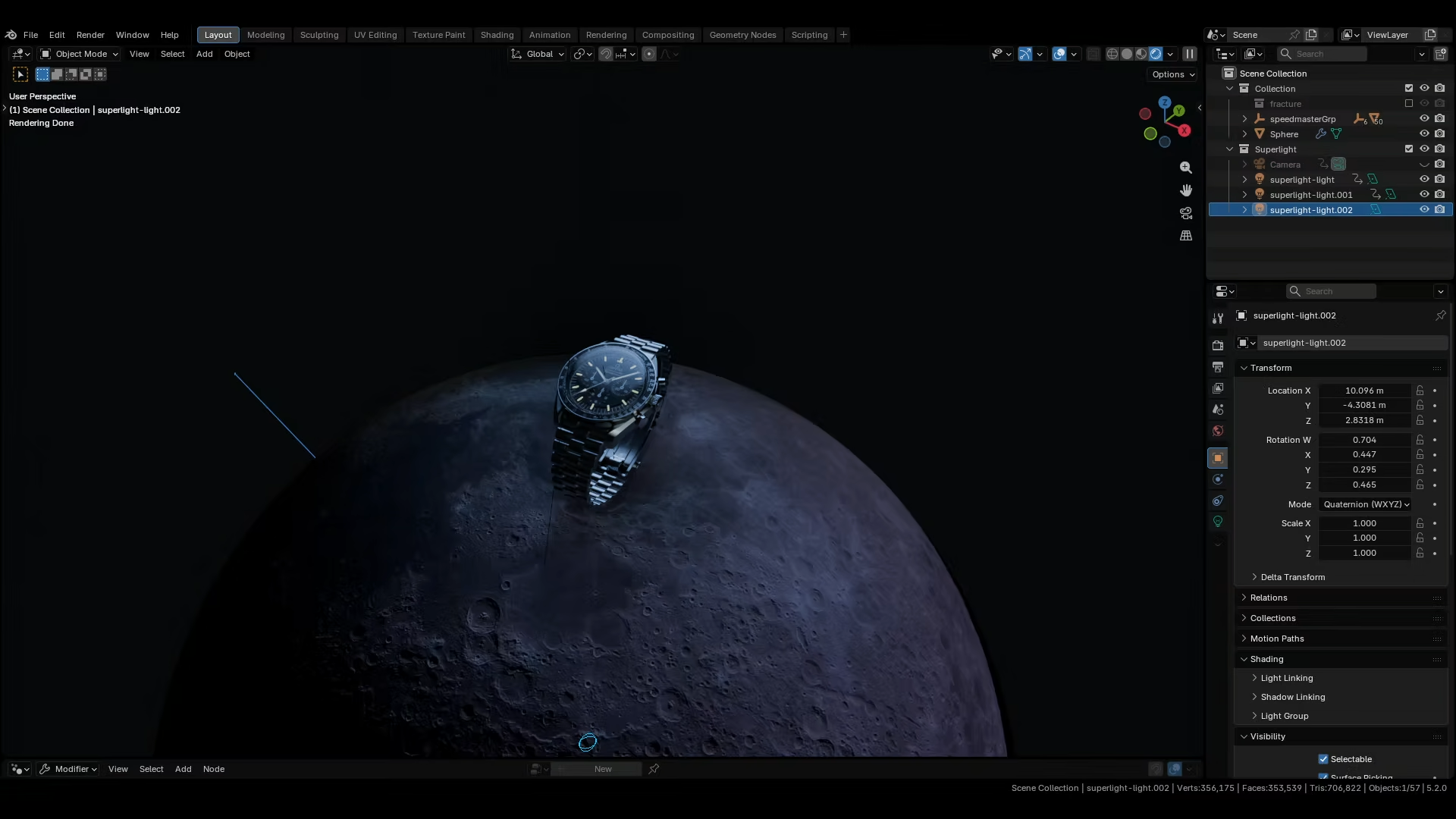 Live viewport control
Move naturally around the tracked pivot.
Size, softness, spread, energy and depth.
Color wheel for lights. Dolly zoom for cameras.
Specular Target or camera Point & Shoot.
02 — Controlled exploration
Explore new angles through repeatable seeds. Constrain axes and angles, avoid occluders, or independently control distance, size, color and intensity.
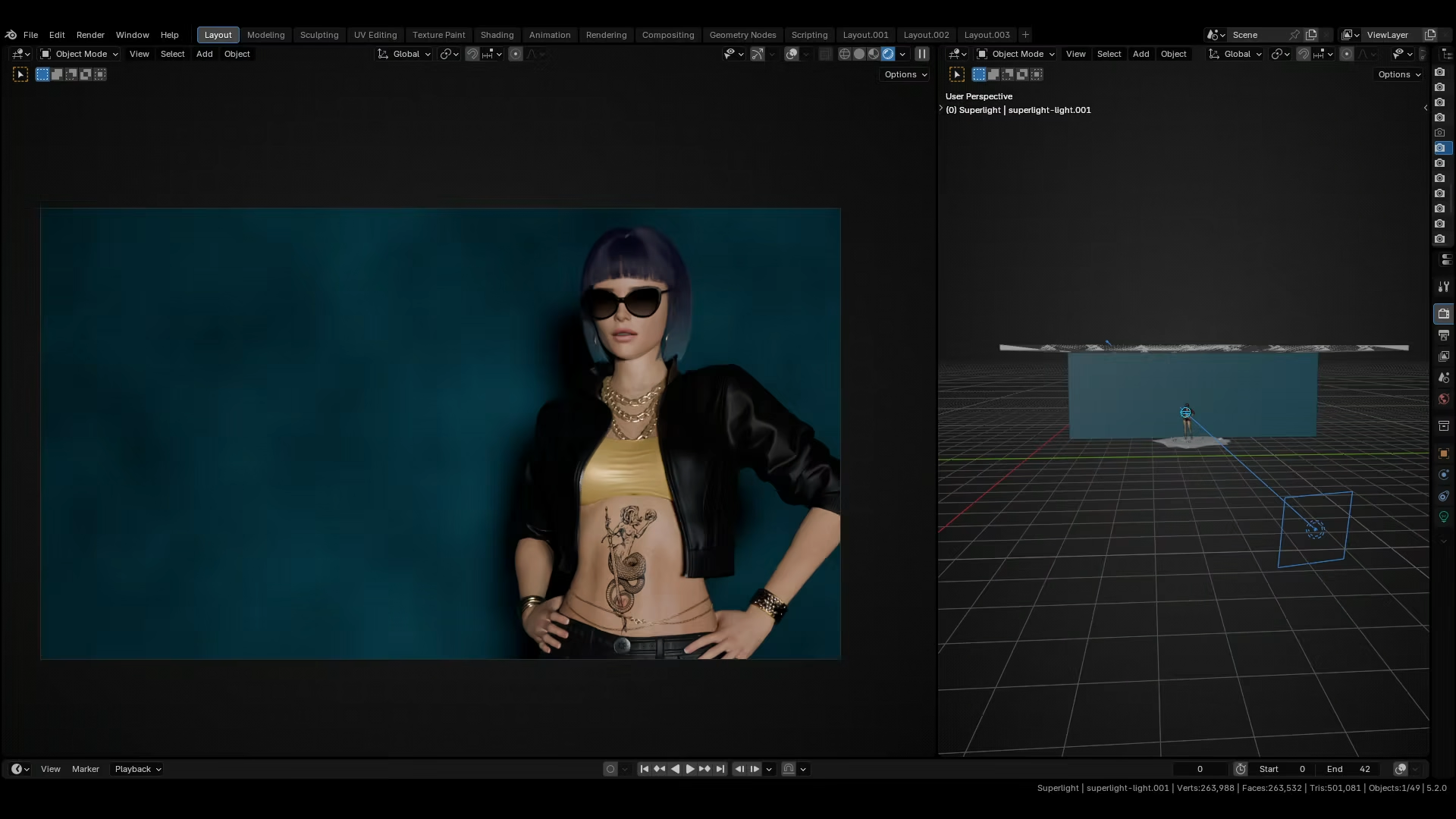 Seed-based randomization
Tab. Scroll. New light. Scroll. New light. Scroll. Scroll. Scroll. Scroll... And just like that, you’ve tried 50 setups, and it took 30 seconds. You’re basically running a Monte Carlo simulation for beauty: generate thousands of possibilities so fast that one of them inevitably slaps.
03 — A/B/C Compare
Capture complete light or camera states and switch instantly. Compare composition, intensity, color, lens and focus without duplicate setups.
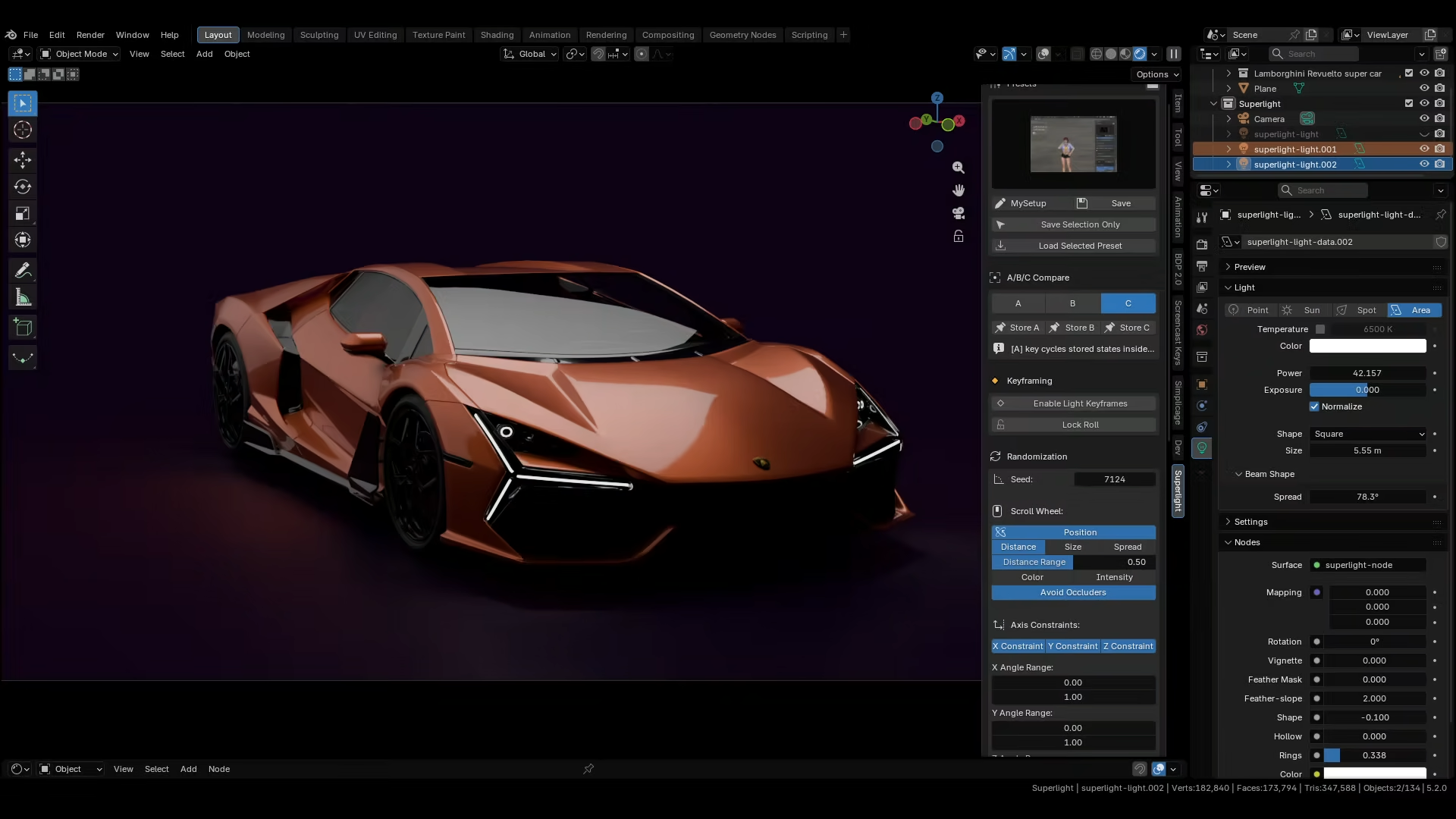 A / B / C
04 — Presets
Store complete light and camera rigs with viewport thumbnails. Recall them visually or carry a proven setup into the next scene.
05 — Multi-layer motion generator
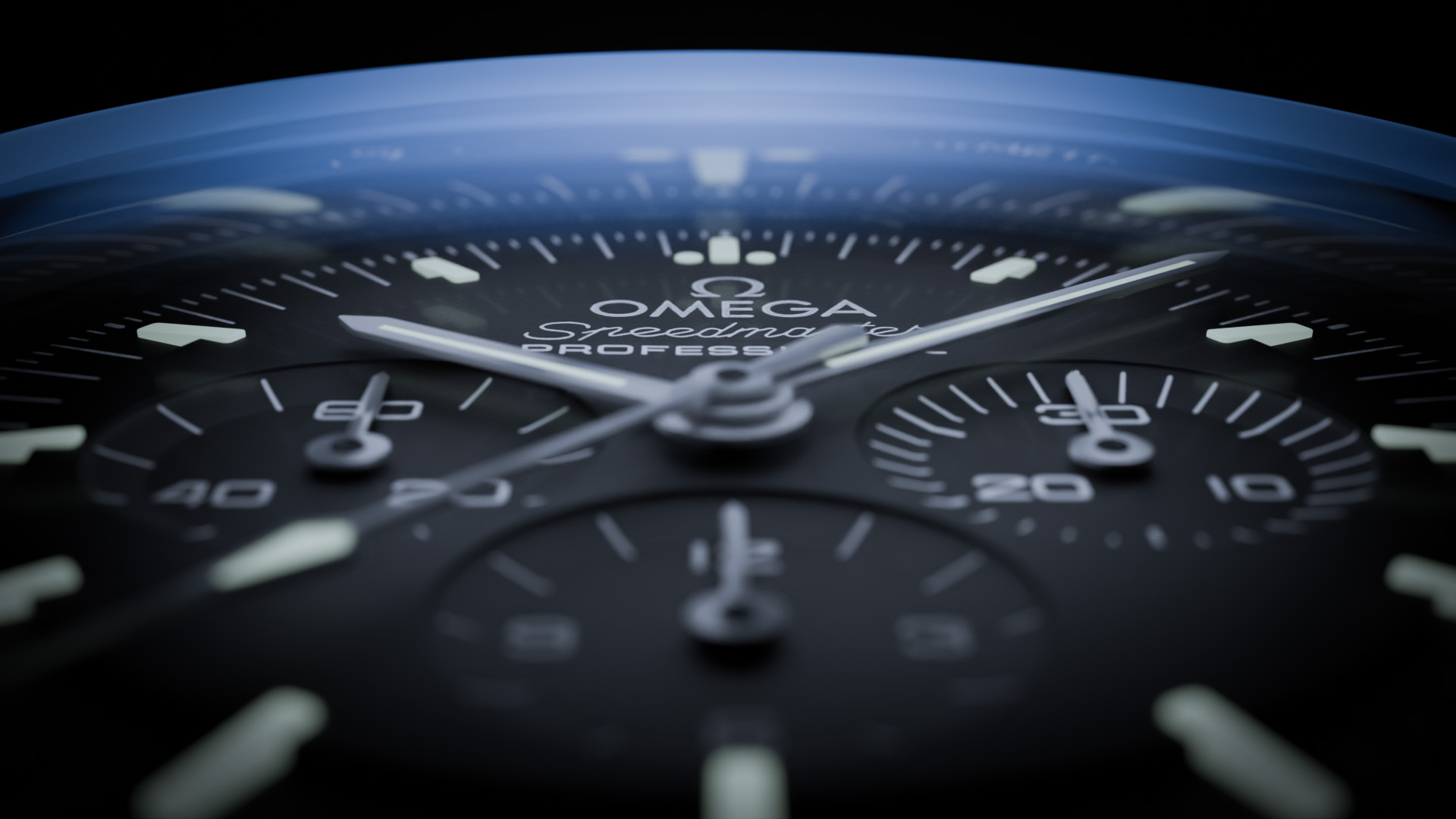
Turn a handful of keys into polished camera or light motion. Stack easing, orbital paths, spin and seamless transitions, while every original key stays yours.
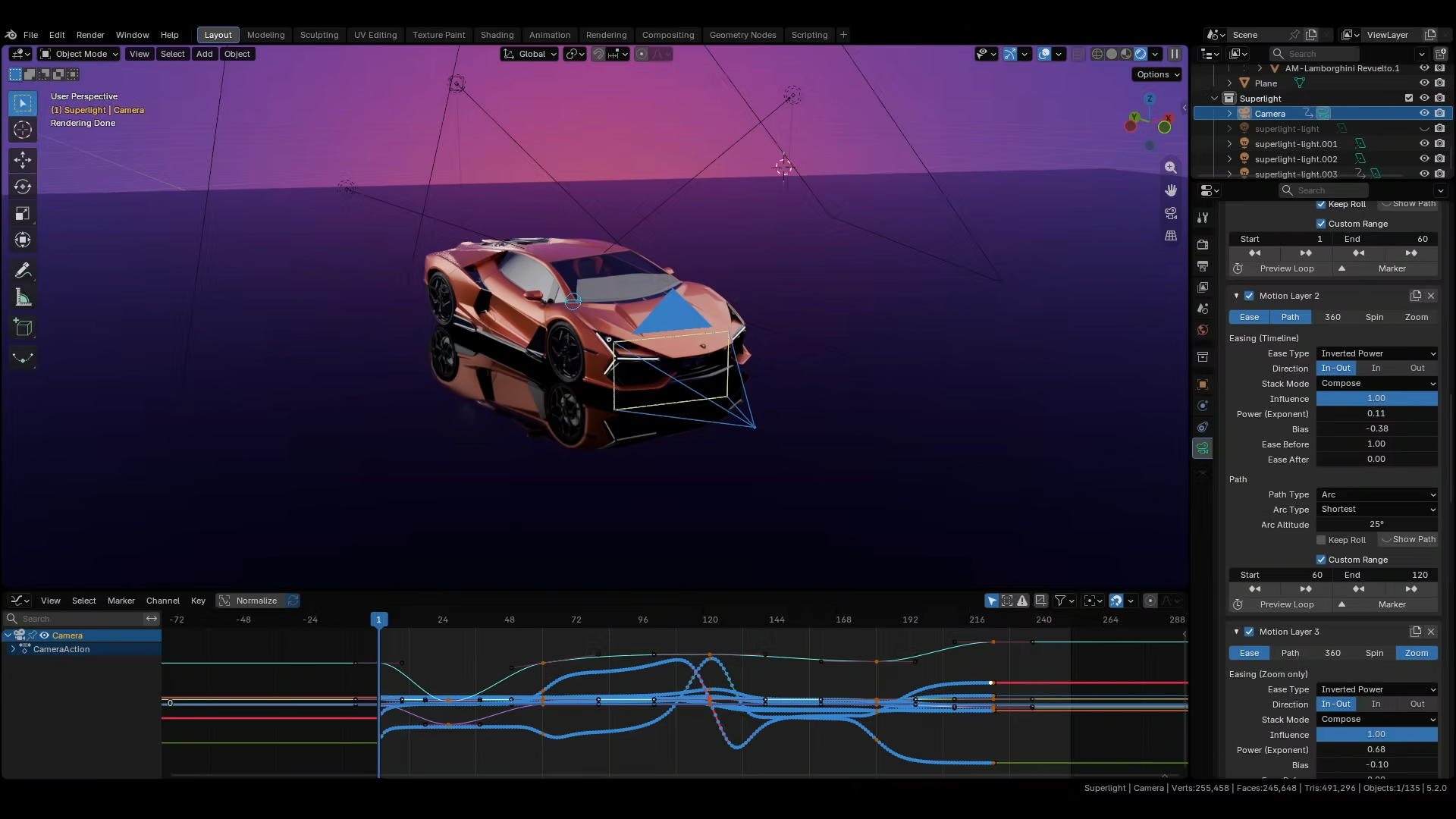 Non-destructive generation
06 — Gobo library
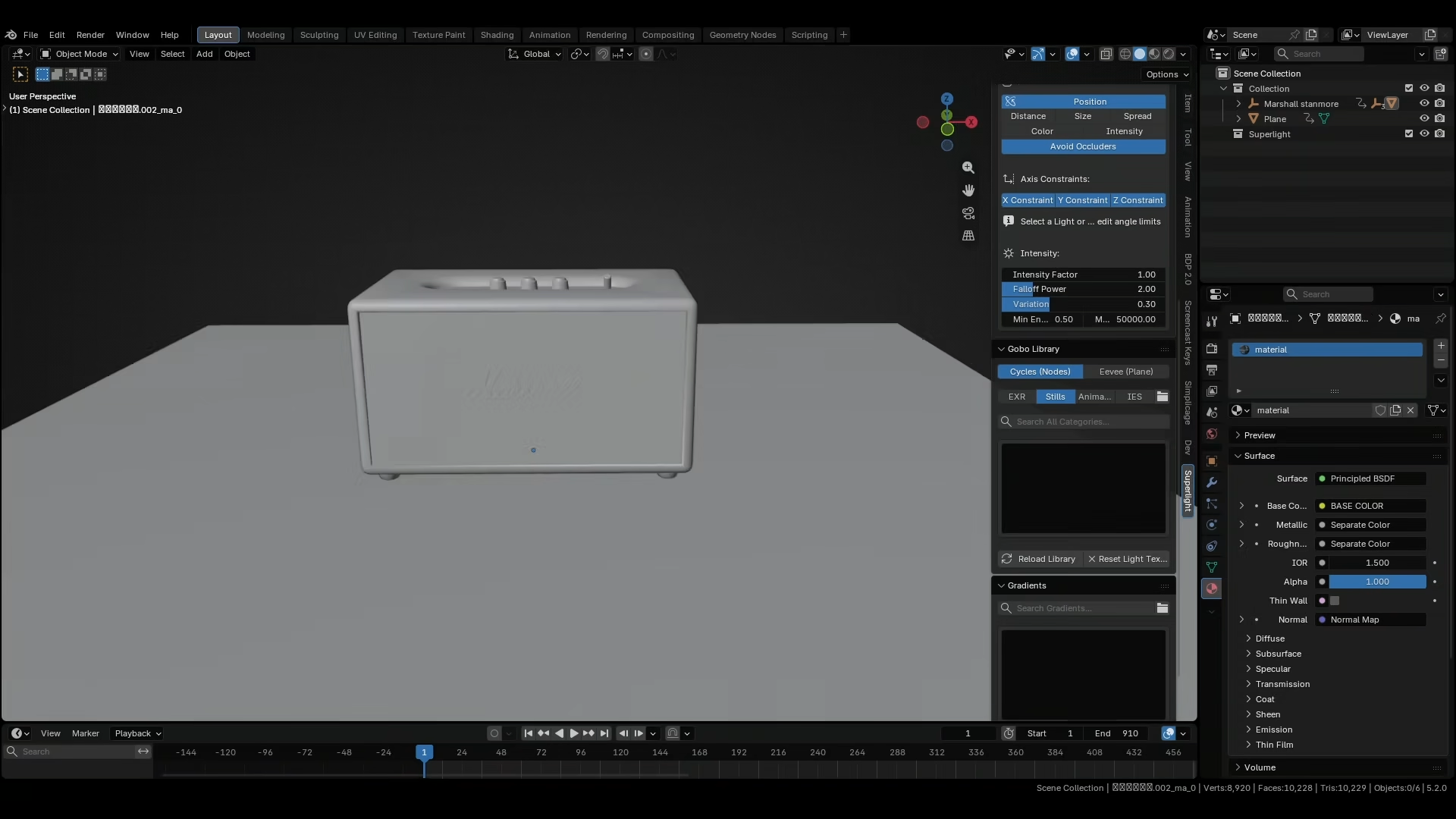
Browse and project stills, EXRs, animated textures and IES profiles. Build window breaks, moving shadows and cinematic texture in seconds.
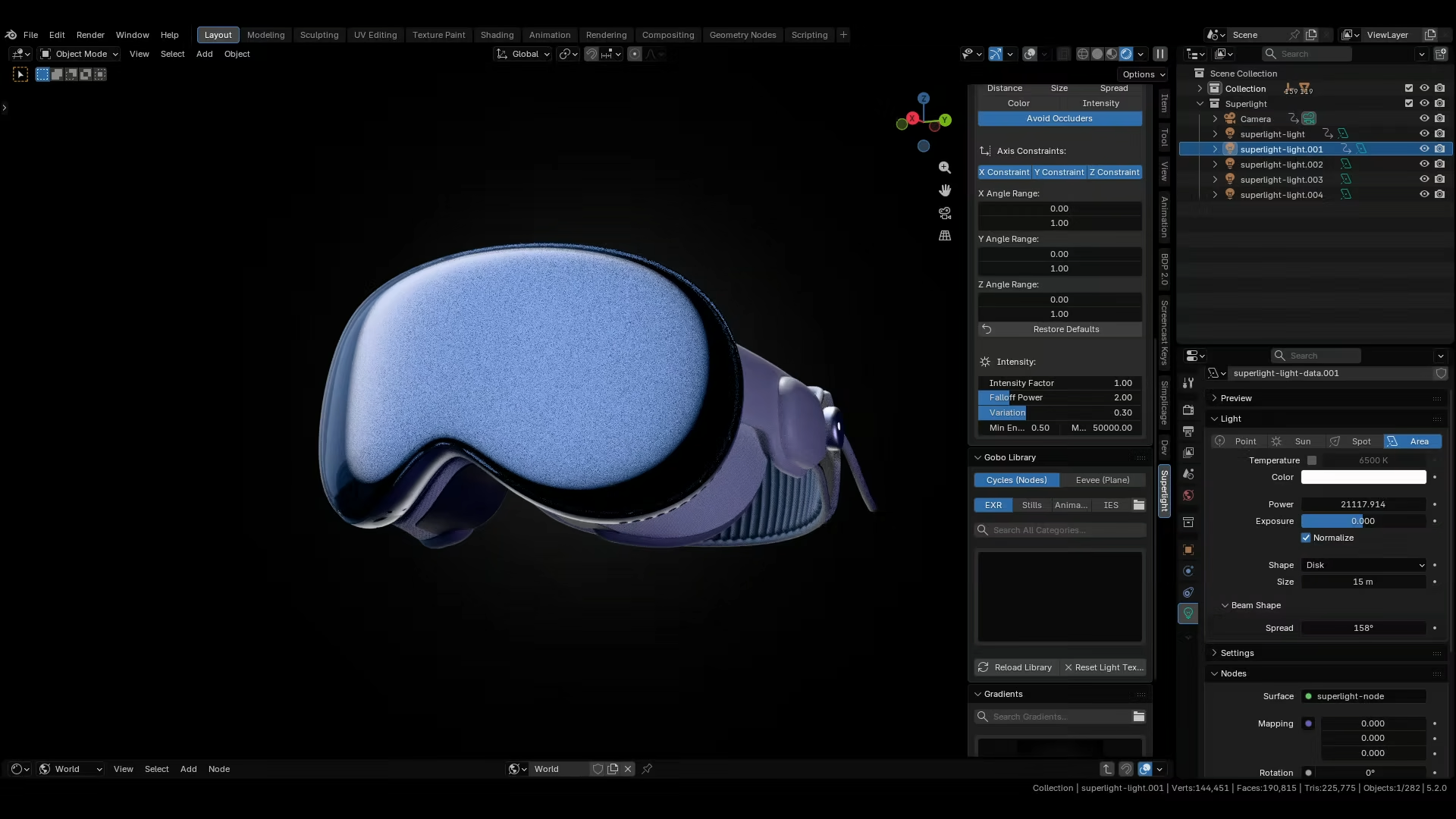 300+ gobo textures
Built for visual memory
Preset thumbnails turn technical scene data into a visual catalog— lighting rigs, cameras, transforms, lens settings and complete node trees included.
More power. Less interface.
The right tools with the right controls at your fingertips, Making advertisements has never been that easy.
Point at a surface and place the light at the precise reflection angle for the highlight you want.
Aim a camera at any visible surface. Pivot, distance and orientation update for you.
Live feedback for distance, energy, lens, color and every active gesture.
Include, exclude or unlink the mesh under your cursor from the active light.
Apply procedural studio backgrounds from a visual library, or add your own.
Keep transforms and animated pivots in step with Blender Auto Keying.
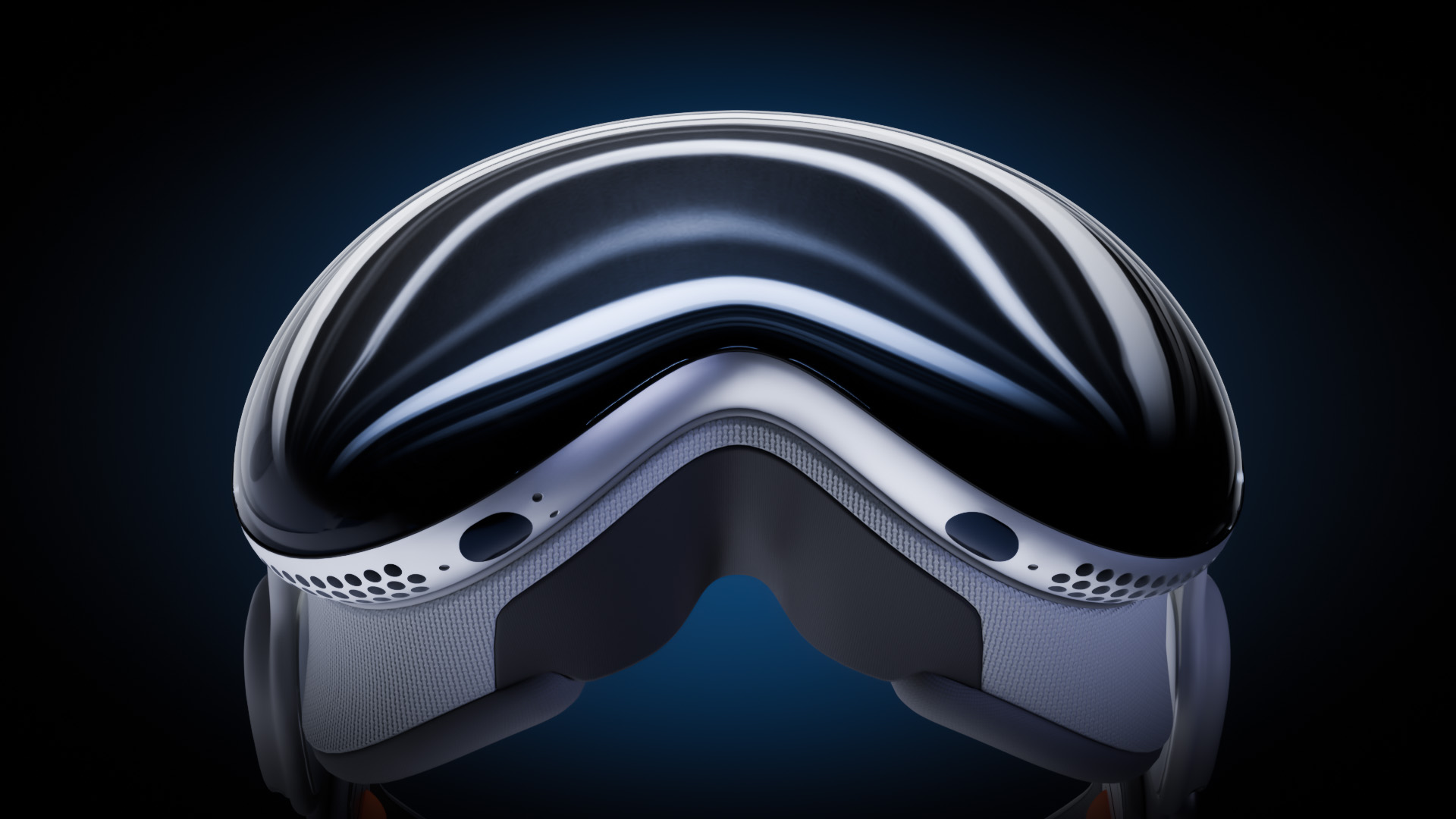
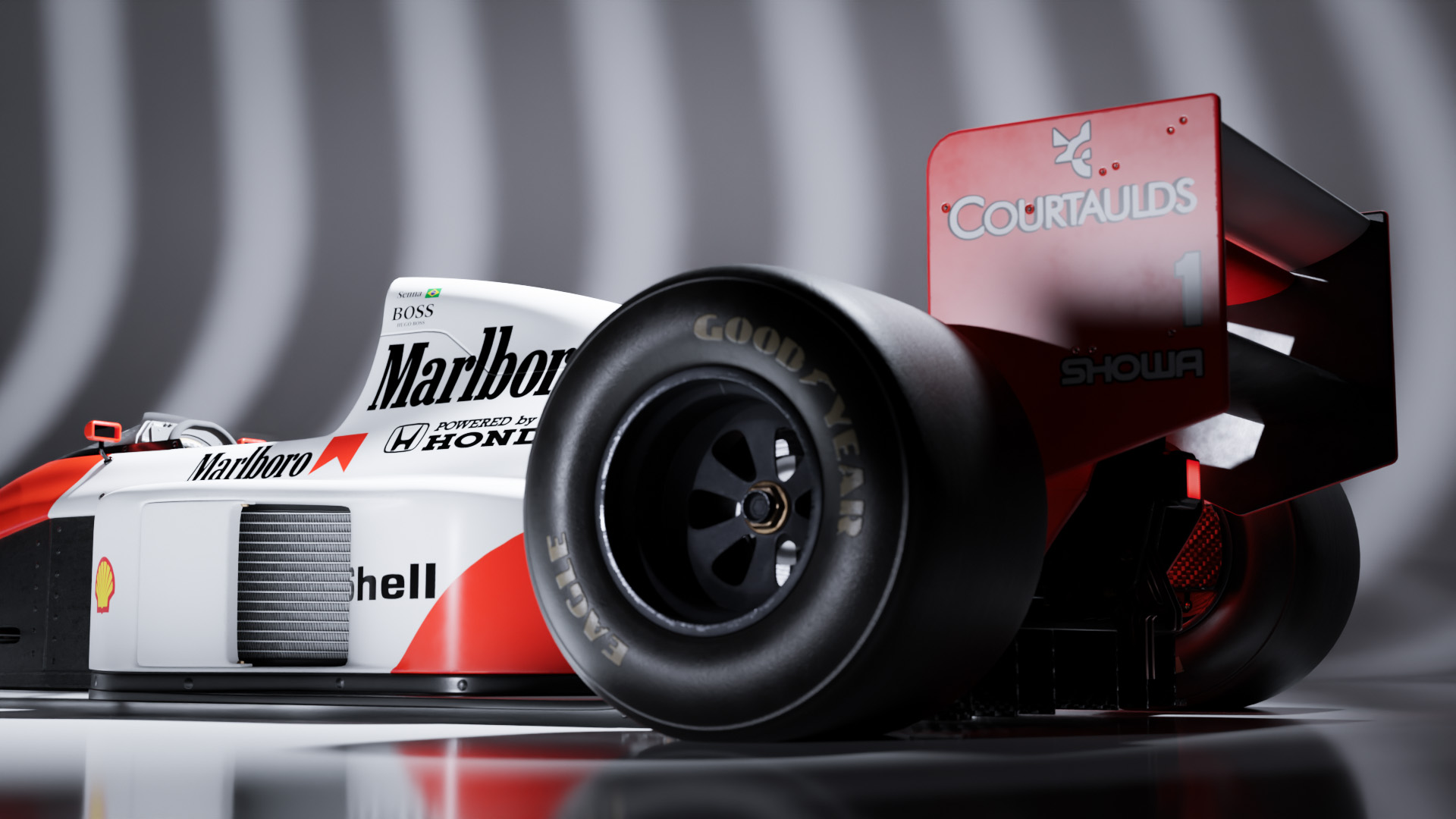
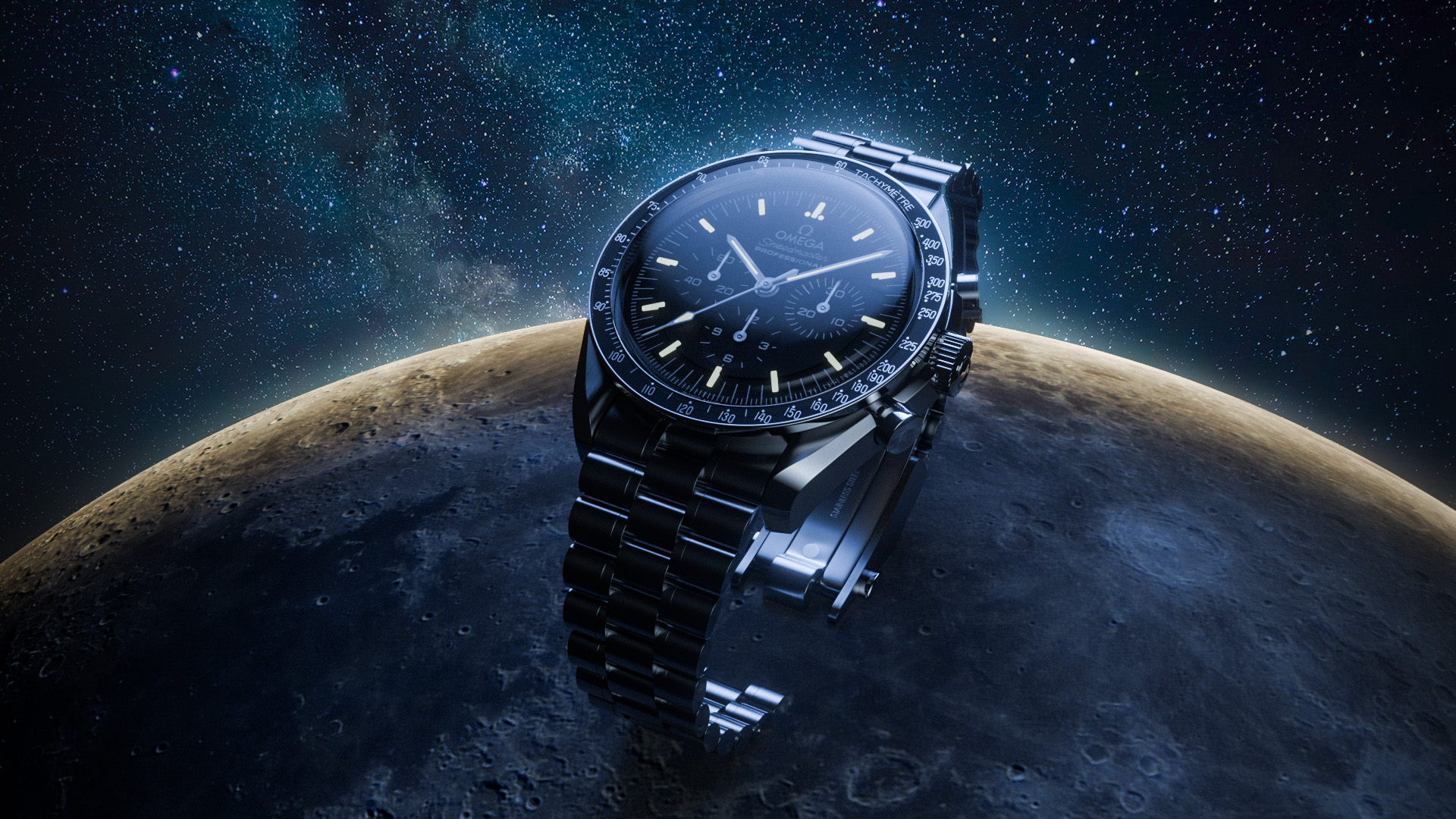
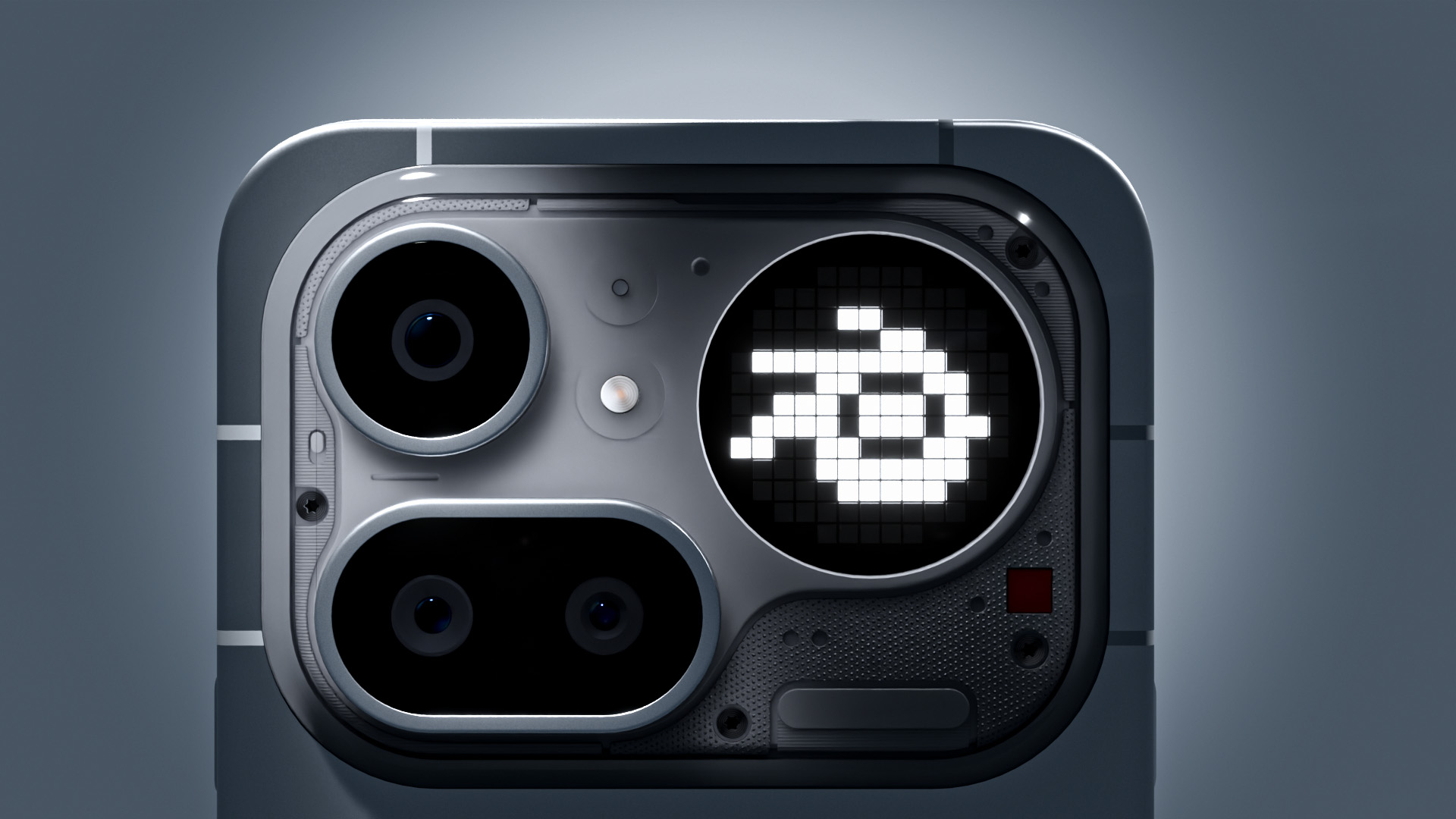
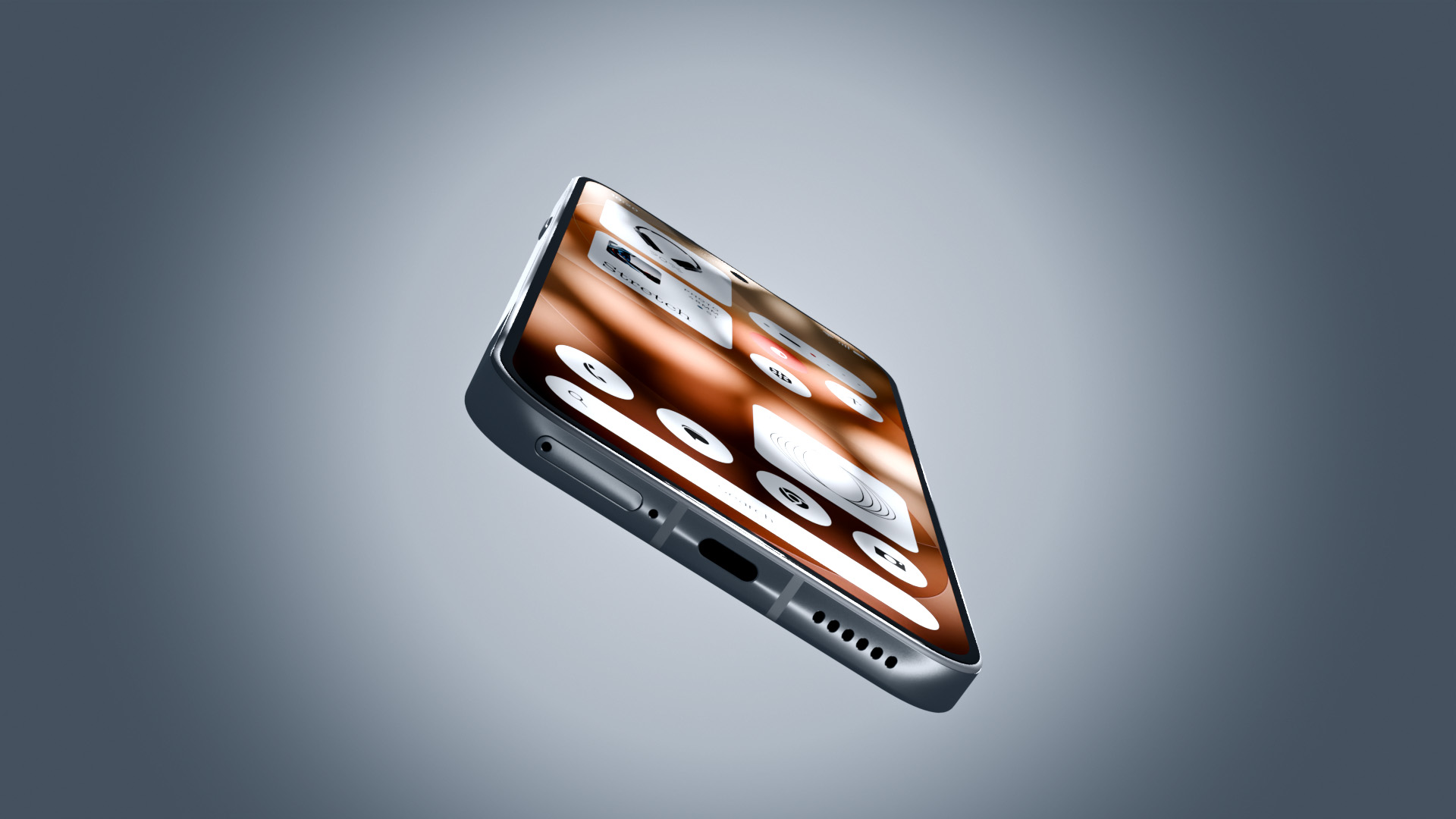
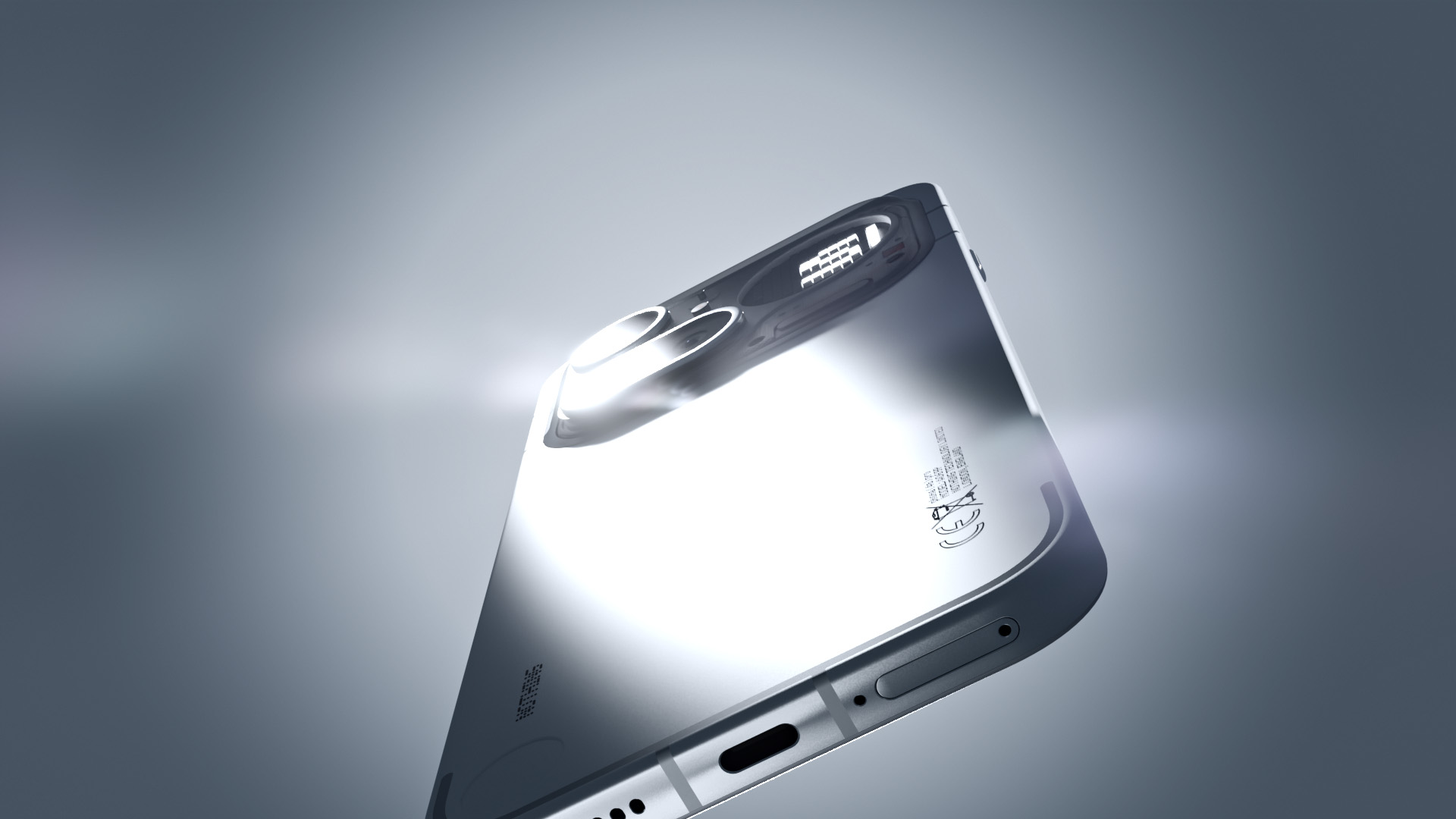
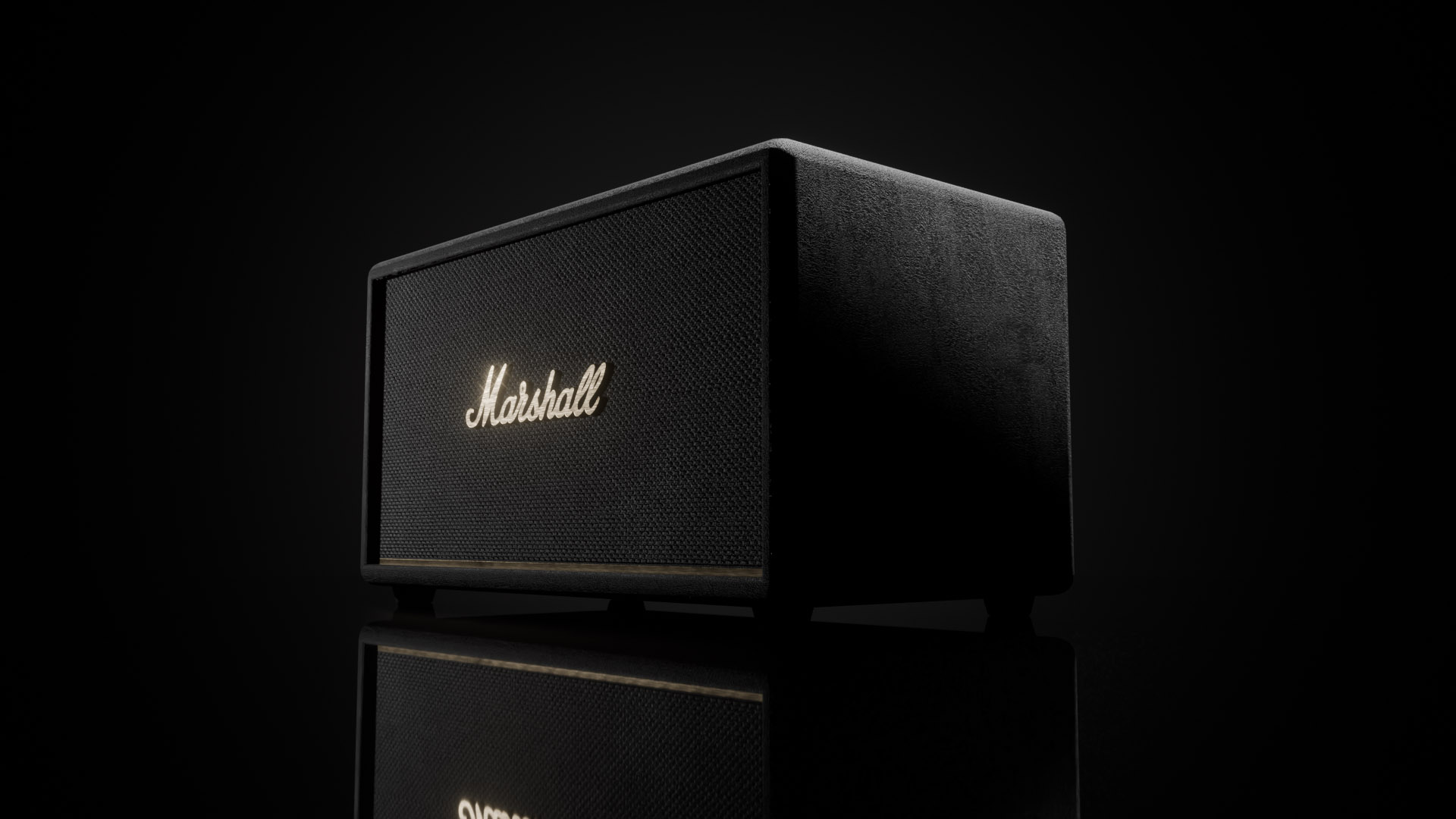
Made with Superlight
A lighting workflow designed for product detail, cinematic movement and the thousand decisions between them.
Your light. Your camera. Your rhythm.
Superlight brings fast, expressive control to lighting, camera placement and motion inside Blender.